City of Spices
4+orders a week· within 3 months

- Client
- City of Spicescityofspices.co.nz
- Services provided
- Web design, Ecommerce build, POS integration
- Category
- Ecommerce
The problem
A large product range and no way to sell it online — every order had to be taken over the phone.
How I helped
A modern, robust online store that makes placing an order simple on any device.
Deliverables
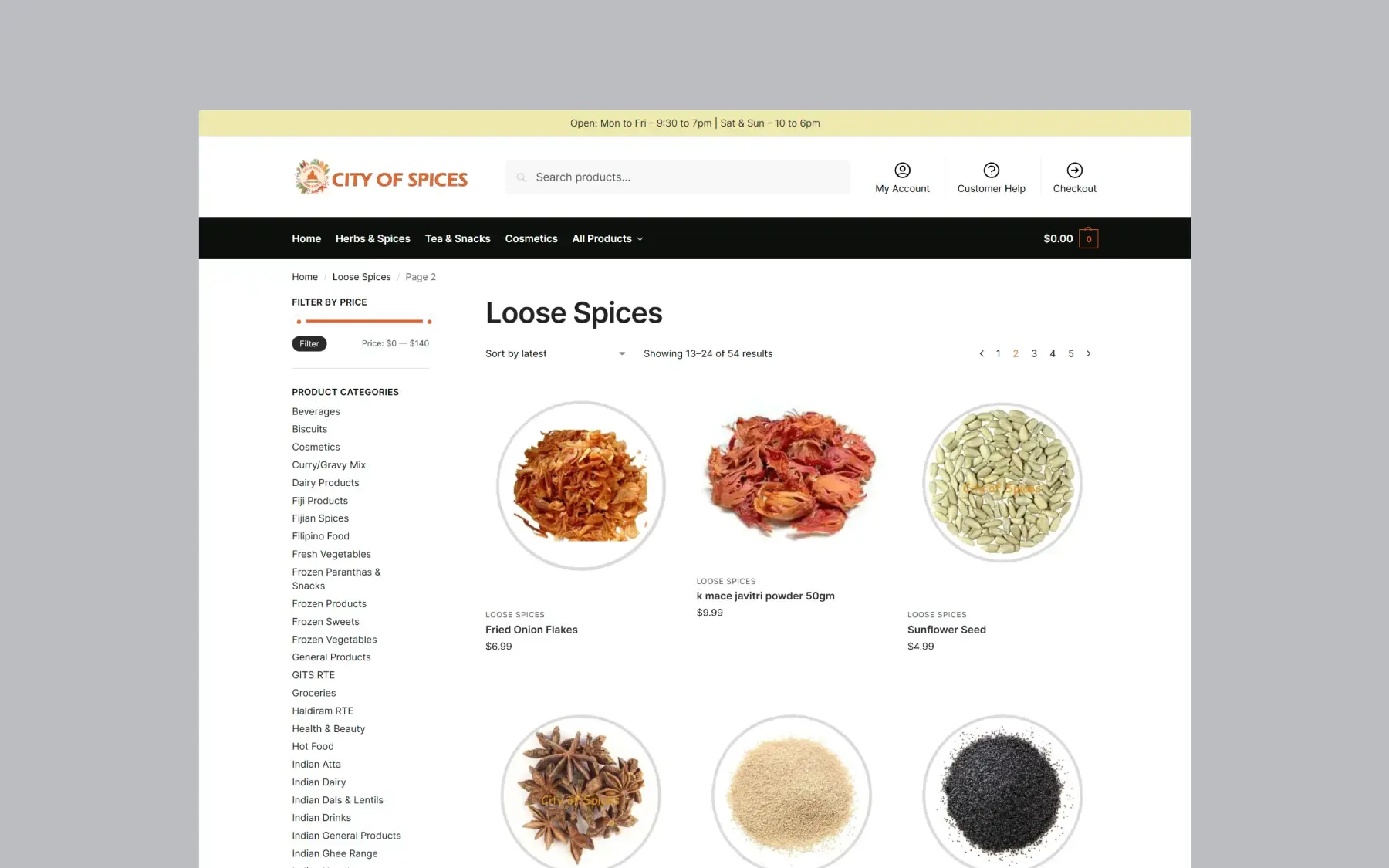
- Online store with the full product range
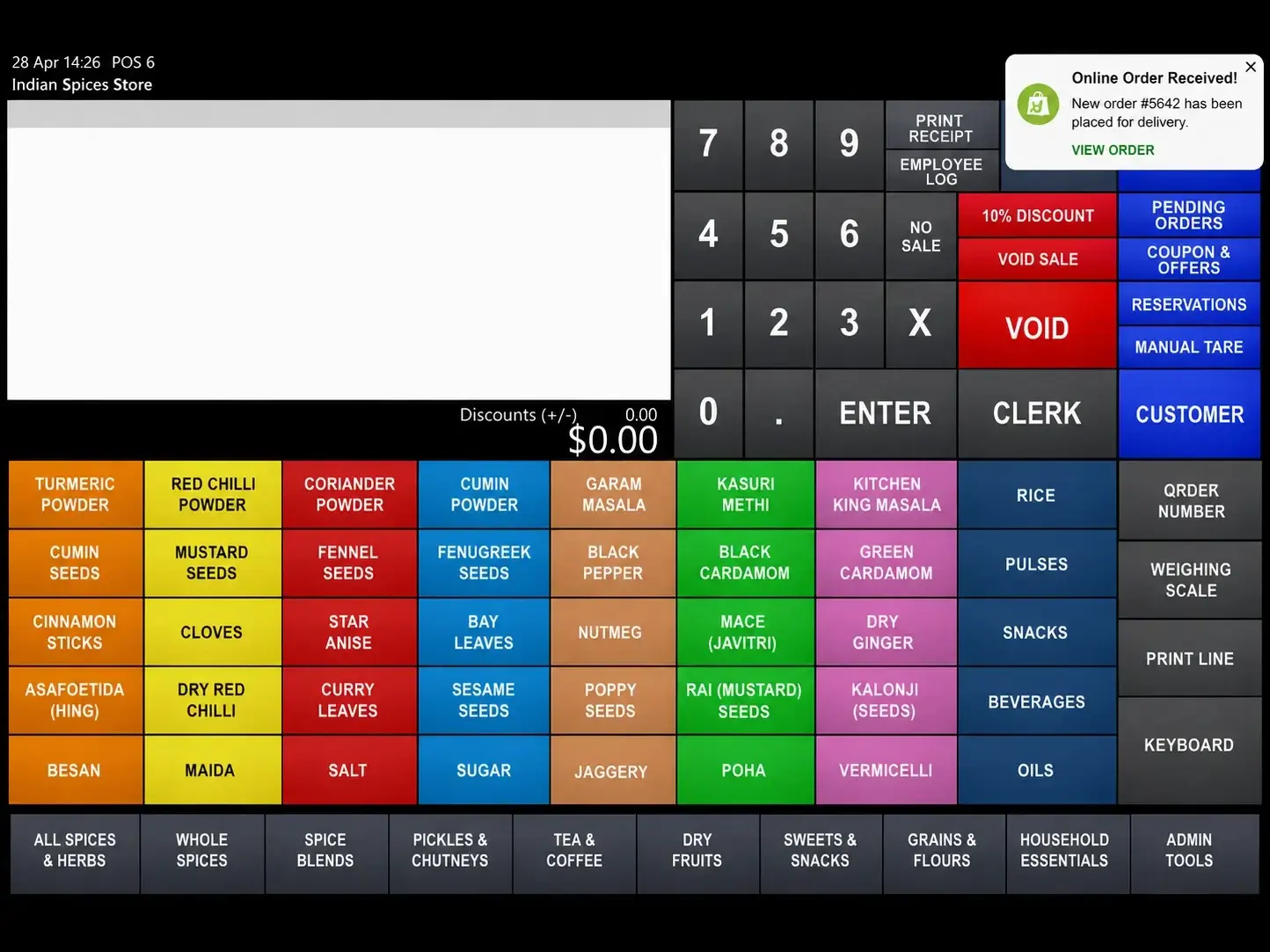
- Integration with their existing IdealPOS system
- Checkout that works on phone, tablet and desktop
- Product pages the team can update themselves
The outcome
Customers order themselves, without a phone call.
The full story
Project overview
City of Spices is a family-owned spice and grocery store in Timaru with more than 3,000 products. A friend put us in touch when they were getting the business going.
The range in-store was great. There was just no way for anyone to browse or order it online.
The goal was an online store that made shopping easier for customers, and fitted the way the business already worked.
The challenge
Customers could only order by coming into the shop or ringing up. Every phone order meant someone checking the shelf, taking payment over the phone, and writing the order down by hand.
On a busy Saturday, that’s the worst possible use of the one person behind the counter.
They also had thousands of products already managed through IdealPOS, their point of sale system. So the website needed to work with what they had, not create a second pile of admin.
My approach
Before I designed anything, I spent time understanding how the shop actually runs day to day.
Getting the technology right first meant I could build a store that cut out manual work, kept stock in sync, and stayed simple for customers and staff alike.
Key decisions
| Decision | Why it mattered |
|---|---|
| WooCommerce | Worked with their existing IdealPOS system, and cost less to run than Shopify for this project. |
| IdealPOS integration | Online orders and stock stay in step with the shop, so nothing gets typed twice. |
| Mobile-first design | Most people shop from a phone, often in the kitchen. |
| Simple checkout | Fewer steps means more orders actually get finished. |
What I built
- A custom online store
- The full catalogue — over 3,000 products
- Integration with their IdealPOS system
- Secure checkout with card, Google Pay and PayPal
- A shop that works properly on a phone
- Product management the team can handle themselves

The results
Customers can now browse the whole range, order online and pay securely without ringing the shop.
Orders land straight in the system the team already uses, so there’s less admin and more time for looking after people in the store.
It’s also opened them up to customers outside Timaru — including the ones out on the farms who were never going to drive in for one item.
Common questions
Can a website connect to my existing POS system?
Often, yes — and it is worth checking before you choose a platform rather than after. This store runs WooCommerce specifically because it works with the IdealPOS system the shop was already using. Picking the website platform first and hoping it connects later is how businesses end up entering every order twice.
Why WooCommerce instead of Shopify?
For this project it came down to two things: it worked with their existing point of sale, and it costs less to run month to month. Shopify is a strong platform and I use it where it fits. There is no single right answer — it depends on what your business already runs on.
How long does an online store like this take to build?
For a store this size, allow six to ten weeks from first conversation to launch. The build is not usually the slow part — gathering product information, photos and pricing is. Starting with a core range and adding the rest after launch is often faster than waiting until everything is ready.
Can I add products and change prices myself?
Yes. Products, prices, stock and categories are all editable by your team, with no code and no developer involved. That mattered here — a grocery range changes constantly, and a shop that has to email someone to change a price will simply stop updating the site.
Similar projects
All projects
Majestic Glow
People find the clinic on Google, see the results for themselves, and message on WhatsApp.
Rasan Fitness
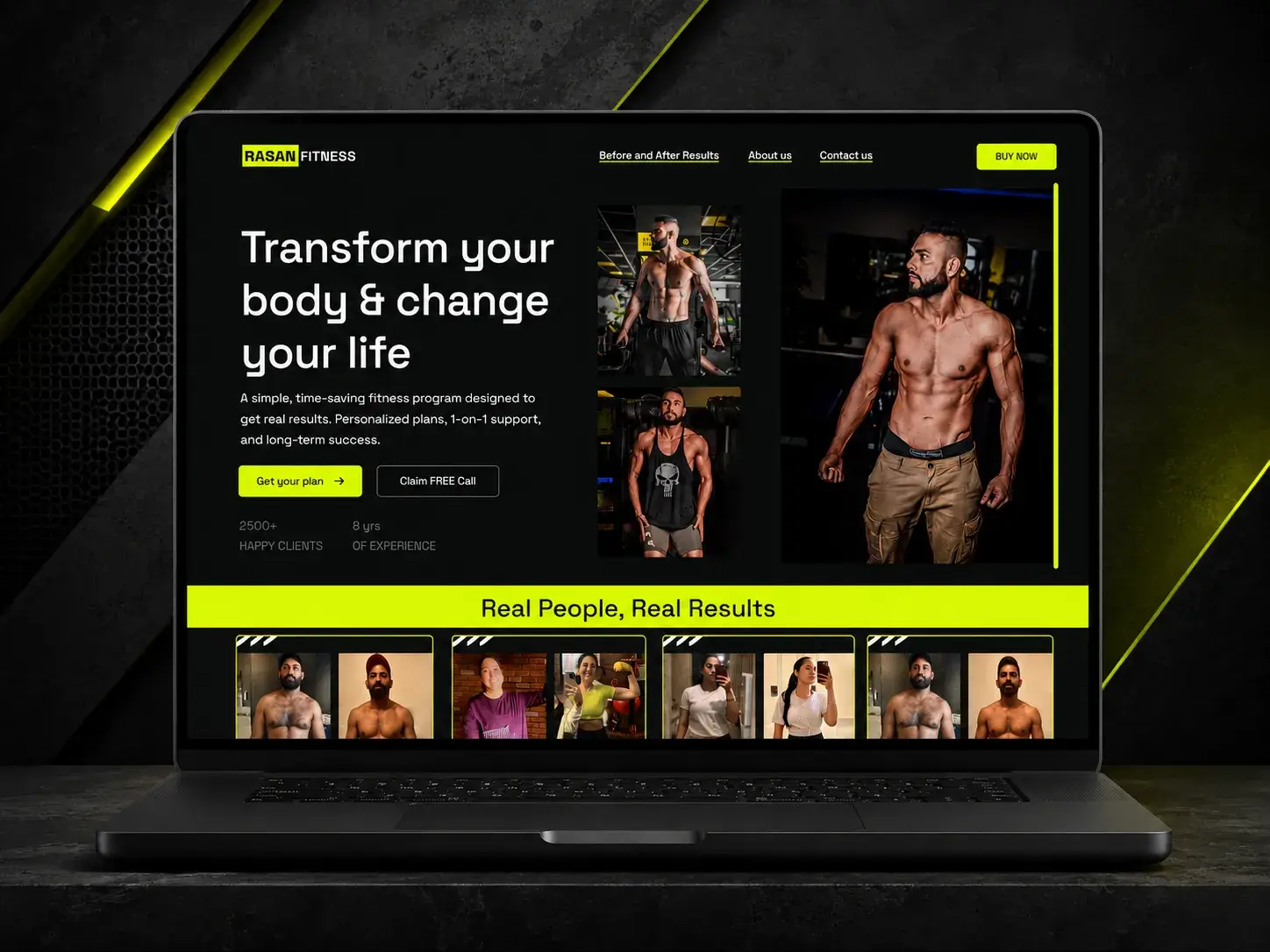
He sends one link instead of answering the same questions, and clients pay without a back-and-forth.